


Step2. Go to Software section, then click on the Softaculous icon.

Step3. Click on the WordPress logo. This will open a screen with several options to show You will see a screen with Install, Overview, Features, and Import. Clickon the Install link.

Step4. Fill in the WordPress set up information. The following is the necessary information you need to fill in.

Step5: Softaculous will Check the submitted data and install the files to your server for WordPress.. Click Return to Overview.
Now you will see your WordPress Installation in the Current Installations.

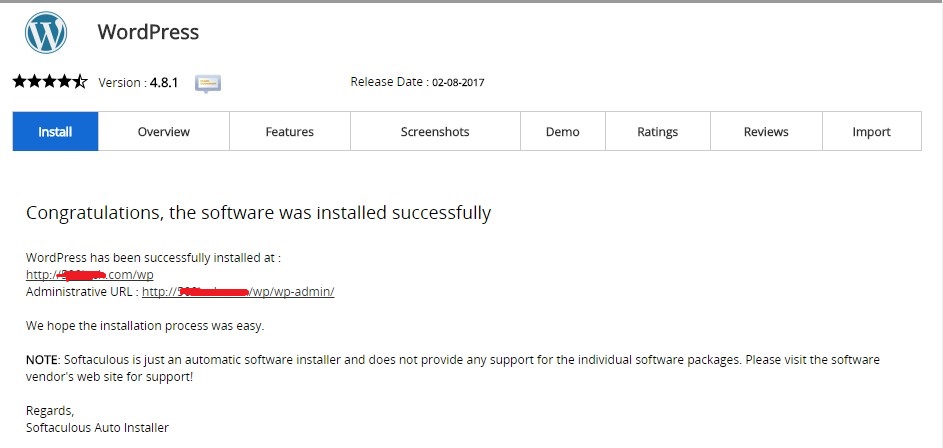
Conclusion : You have successfully install wordpress
