


The following article shows how to change/ edit your Account's Package and modify Disk Space.
To edit your Account's Package:
1. Login to your WHM.
2. From the Packages Section, go to Edit a Package;
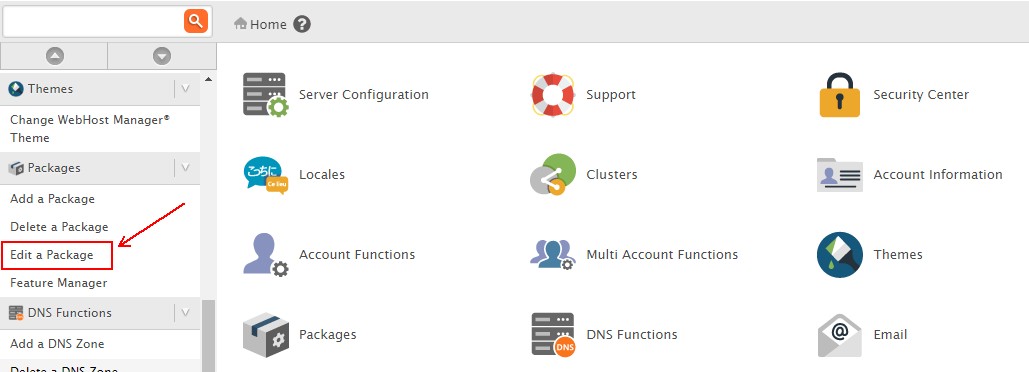
3. Select the desired Package and click Edit below;

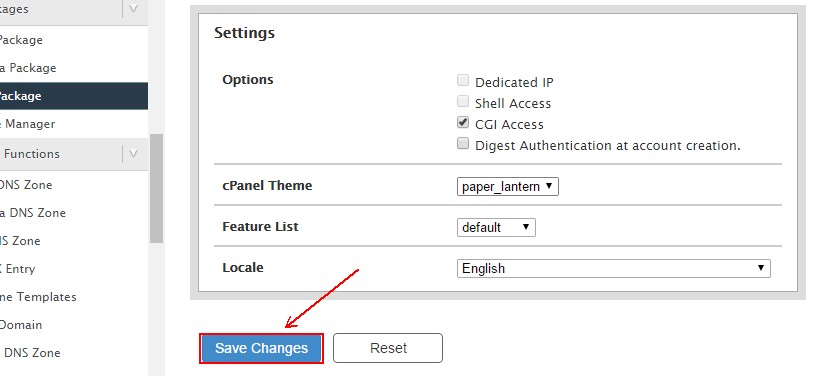
4. Select the amount of resources you want to assign to this package;

5. Click Save Changes;
To modify Disk Space:
1. Login to your WHM.
2. From the Account Functions, go to Quota Modification;
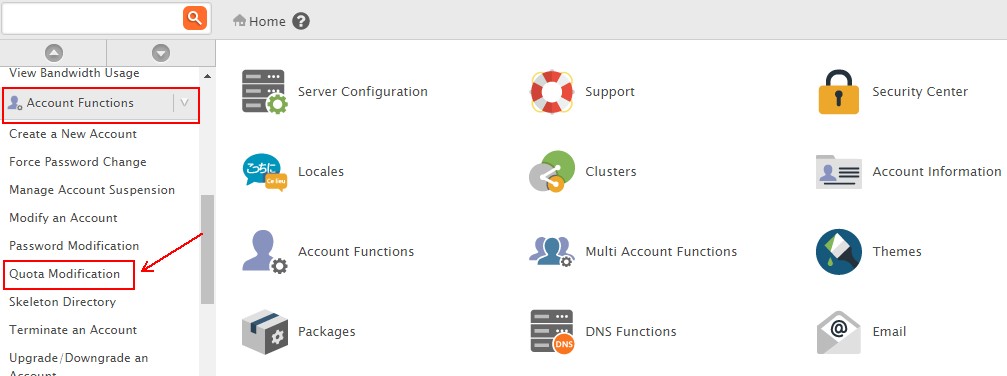
3. Select the desired domain or username you wish to modify and click Modify below;

4. Change the Quota value and click Save;

