


- Login with username and password in Plesk Panel
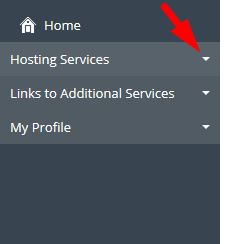
- Follow the screenshot and click on the "Hosting Services" Drop Down
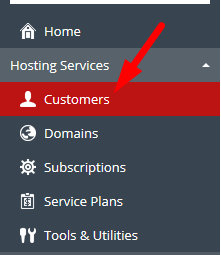
- Under Hosting Services click on Customer as mentioned in below screenshot
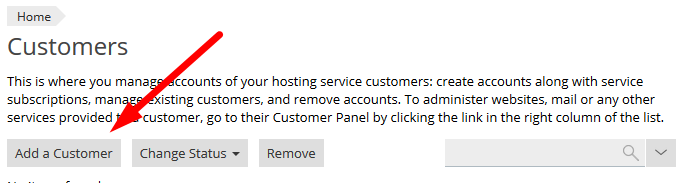
- Click on "Add a Customer" Button as mentioned in below screenshot
- There you will see a form need to be filled by yourself like name plan etc
- After this click on OK button shown on the bottom of the page

- Your Customer Account will be created successfully
